Private network access for Postgres, and public access you can close
- Databases
- Security
Every Postgres database on InstaCloud has sat on a public hostname, open to anyone with the password. You can now give a database a private route that resolves only inside InstaCloud compute, then close the public one.
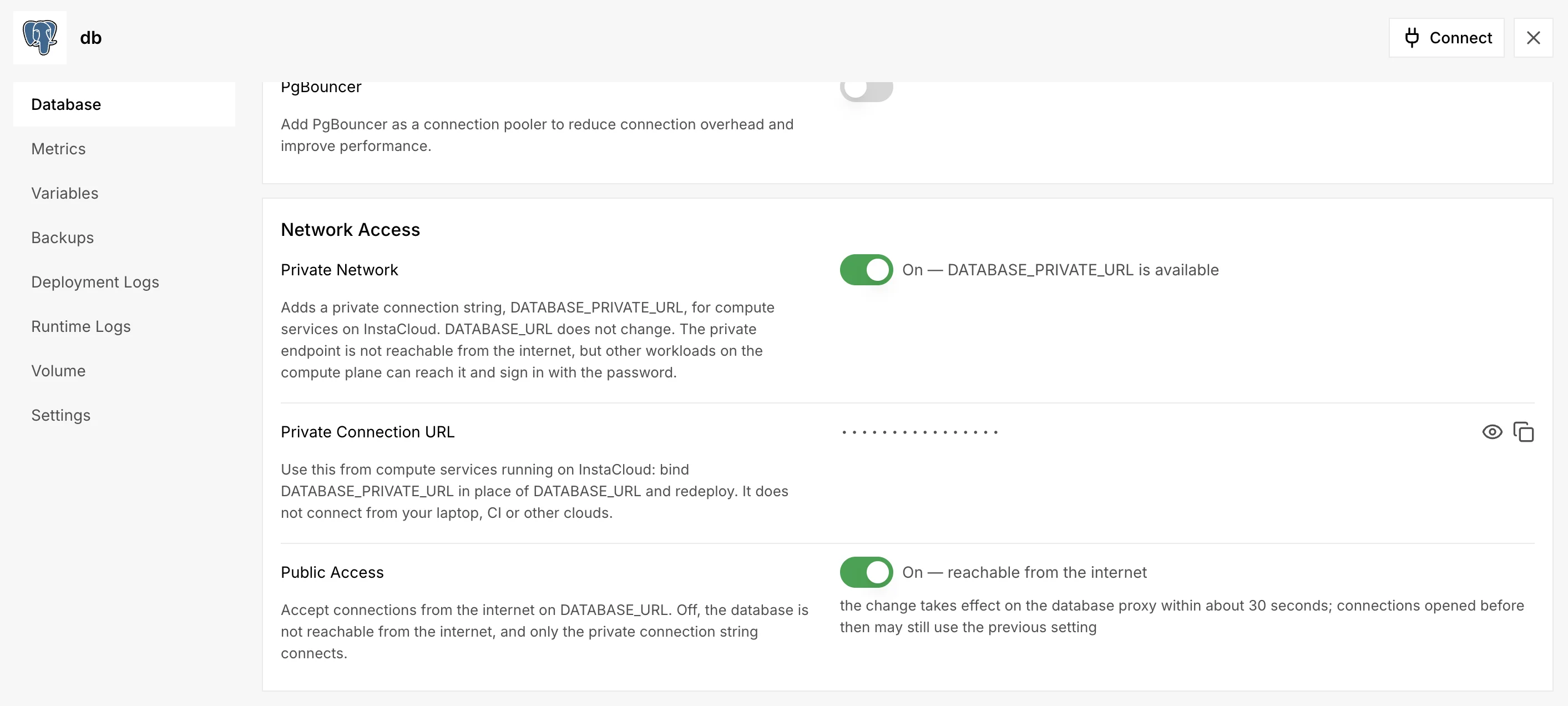
Turn on private access
In the service's Database tab, switch on Private Network under Network Access. InstaCloud mints DATABASE_PRIVATE_URL beside DATABASE_URL, which is left as it is, so a running app changes nothing until you rebind it and redeploy:
insta secrets bind DATABASE_URL postgres/<db> --source-name DATABASE_PRIVATE_URL --to compute/<service>
The private host resolves from compute services on InstaCloud, in the database's region or any other, and never from a laptop or CI. Traffic on it stays off the public internet. It wakes a suspended database just as the public route does, and a branch or fork of the database gets a private URL of its own.
Close public access
With private access on, switch off Public Access. The dashboard first lists what will break: compute services still bound to the public URL, and anything outside InstaCloud such as CI or a local psql. From then on the public endpoint refuses connections before it wakes the database, so an internet scanner cannot keep it awake and billed. The change reaches the proxy within about 30 seconds, and connections already open stay up.
A closed database is not reachable from the internet. Other workloads on the InstaCloud compute plane can still reach the private endpoint, and they still need the password.